

Download Opera Touch – fast web browser, one-handed navigation, mobile browsing tool
Overview
Opera Touch is a modern web browser designed for users who prioritize speed, convenience, and one-handed usability. Built with mobility in mind, the software enables efficient web navigation using only a single hand, making it ideal for individuals with fast-paced lifestyles. Its primary function is to streamline browsing tasks by minimizing taps, gestures, and navigation steps. The browser targets mobile users who frequently access the web on smartphones, especially those with larger devices where traditional one-handed use is challenging.
Opera Touch addresses common pain points in mobile browsing, such as the need to open multiple tabs, manually trigger search bars, or navigate complex menus. By integrating a central Fast Action button, the software allows instant access to key functions like search, bookmarks, and open tabs. This design reduces friction in daily web use, enabling users to conduct searches in seconds and switch between tasks seamlessly. Real-world usage scenarios include checking emails, researching information while commuting, or quickly accessing social media—tasks that benefit from minimal effort and maximum efficiency.
The developer did not provide additional background details beyond the product’s name and functionality. Platform compatibility and system requirements were partially provided. The browser is intended for mobile use, but exact OS versions and hardware specifications were not specified.
Key Features & Capabilities
- One-Handed Navigation: The Fast Action button is positioned below the screen, allowing users to access core functions with a single thumb. By holding and sliding the button, users can instantly reach the search bar, bookmarks, or open tabs without switching between screens.
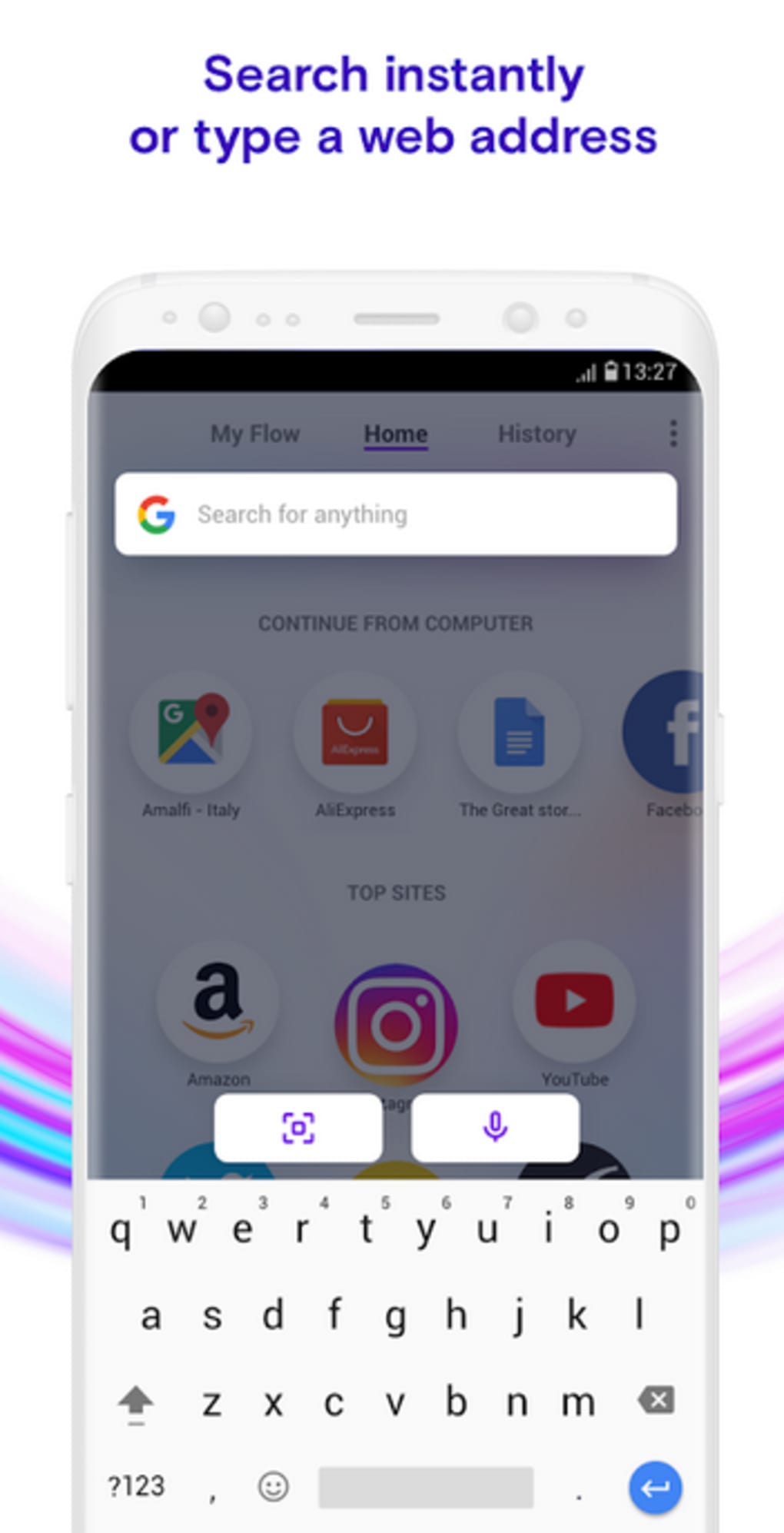
- Instant Search Access: Unlike traditional browsers that require opening a new tab and tapping the search bar, Opera Touch launches a new tab with the search bar already active. This eliminates multiple steps, reducing time and effort during searches.
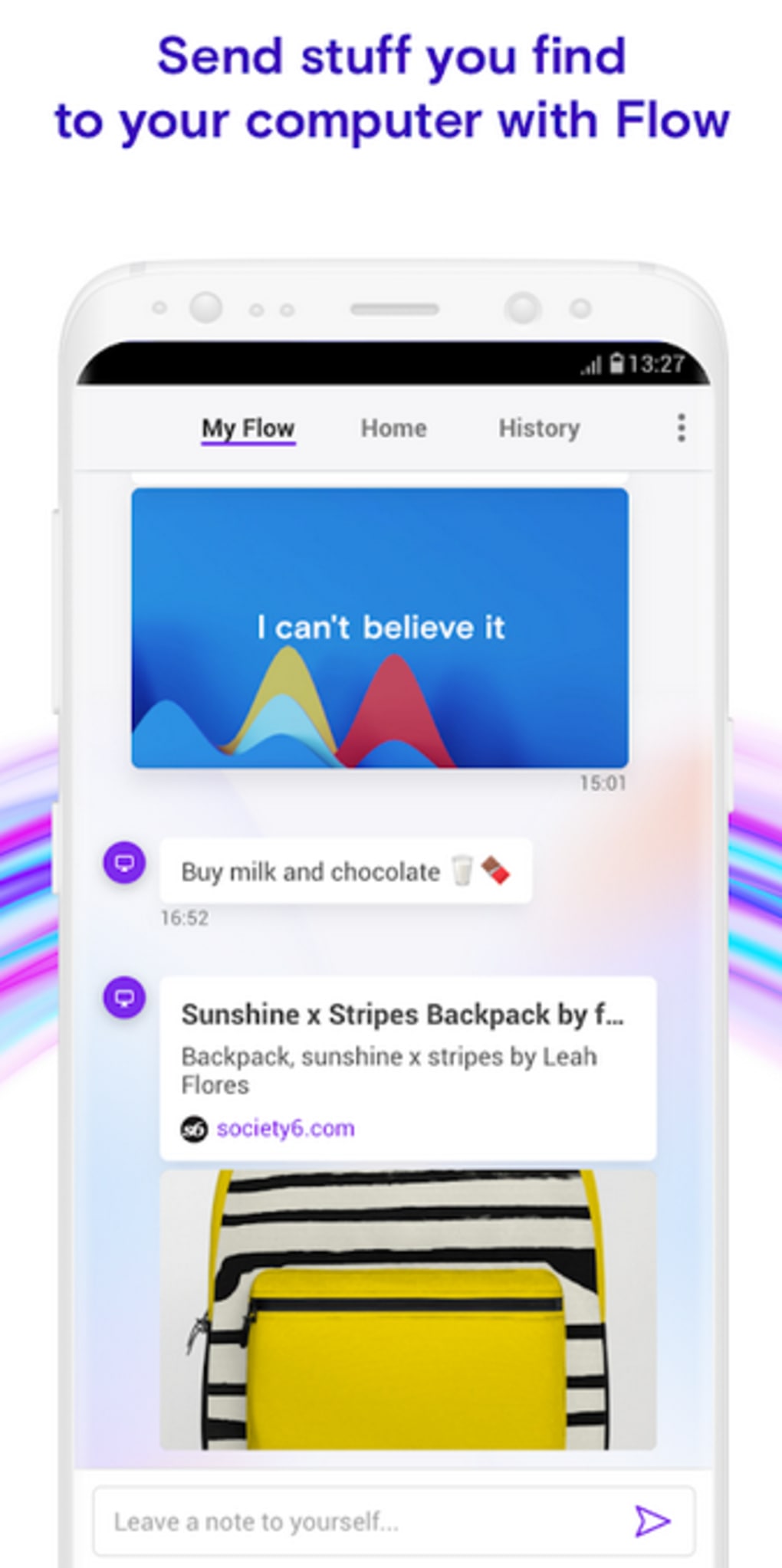
- Flow Technology for Cross-Device Sync: Users can sync browsing sessions between Opera Touch and the desktop version using QR code scanning. This allows seamless continuation of web activities across devices, ideal for users switching between work and mobile environments.
- QR Code Scanner Integration: The app includes a built-in barcode scanner capable of reading QR codes from products, websites, or desktop browser displays. Scanning redirects users to linked content without requiring login credentials or passwords.
- Efficient Tab and Bookmark Management: The interface supports quick access to open tabs and saved bookmarks, improving workflow efficiency for frequent users who need to revisit content rapidly.
These features are particularly beneficial for users who rely on their smartphones for daily tasks. Whether searching for directions, checking news, or managing social media, Opera Touch reduces the number of actions needed to complete a task, enhancing overall browsing efficiency.
User Interface, Workflow & Performance
Opera Touch features a minimalist, gesture-driven interface optimized for one-handed use. The central Fast Action button serves as the primary navigation hub, positioned at the bottom of the screen for easy thumb reach. Navigation is intuitive, relying on simple gestures—hold and slide—to access different functions. The layout prioritizes accessibility, ensuring that essential tools are always within reach.
Workflow efficiency is enhanced by the browser’s streamlined approach. Launching the app immediately activates the search bar, eliminating the need to open a new tab manually. This reduces user effort and accelerates task completion. The design supports quick transitions between browsing, searching, and managing bookmarks, making it suitable for on-the-go use.
Performance observations are based on general software behavior patterns. The developer did not specify resource usage details. Stability and CPU/RAM behavior were not provided. Users should expect typical performance for a mobile browser, though actual results may vary based on device hardware and OS version.
Compatibility & System Requirements
Opera Touch is designed for mobile operating systems, with support confirmed for both iOS and Android platforms. The software version and exact installation size were not specified. Compatibility information is limited to the general mobile environment.
Exact system requirements were not listed. The developer did not provide details on minimum hardware specifications, such as RAM, processor, or storage. Users should ensure their device meets standard mobile app requirements for smooth operation. Platform compatibility information is limited, and no details were provided on whether the browser supports tablets or other form factors.
Pros and Cons
Pros
- One-handed navigation simplifies mobile browsing for users with larger smartphones
- Fast Action button enables instant access to search, bookmarks, and tabs
- Instant search functionality reduces steps compared to standard browsers
- Flow technology allows seamless sync between desktop and mobile devices
- QR code scanning supports quick access to web content without login
Cons
- Exact system requirements and performance metrics were not disclosed
- Compatibility with older or non-standard devices is unclear
- Limited information on update frequency and long-term support
- No details on privacy policies or data handling practices
- Feature set may be less comprehensive than full-featured desktop browsers
FAQ Section
Is Opera Touch available for Windows or Mac?
Opera Touch is designed for mobile platforms. The developer did not specify support for desktop operating systems like Windows or Mac.
Can I use Opera Touch without signing in?
Yes, many features, including QR code scanning and basic browsing, can be used without signing in or providing credentials.
How do I sync my desktop browsing with Opera Touch?
Syncing is achieved through Flow technology. Use the barcode scanner in Opera Touch to scan the QR code displayed in the desktop version of Opera.
Is Opera Touch secure for online activities?
The browser includes standard security measures for web browsing. However, specific details on encryption, tracking protection, or privacy policies were not provided.
Does Opera Touch require regular updates?
While the software is designed to remain current, the update frequency and release schedule were not specified by the developer.
Final Thoughts
Opera Touch stands out as a mobile browser built for speed and convenience, particularly for users who rely on smartphones for daily web access. Its one-handed design, powered by the Fast Action button, significantly improves usability on larger devices and supports efficient workflows. Features like instant search, cross-device sync via Flow, and QR code integration make it a practical tool for on-the-go users.
While detailed technical specifications and performance data are limited, the browser’s focus on simplicity and accessibility delivers tangible benefits in real-world use. It is especially suited for professionals, students, and mobile users who value efficiency and minimal effort in their digital interactions.
Despite the lack of comprehensive system details, Opera Touch remains a compelling option for those seeking a faster, more intuitive mobile browsing experience. With its innovative interface and thoughtful design, it offers a meaningful upgrade over traditional mobile browsers.
Download Opera Touch now





.png)

